Description
Includes ALL the single templates, PLUS bonus Invitation, Card, Business Card and Letterhead Templates.
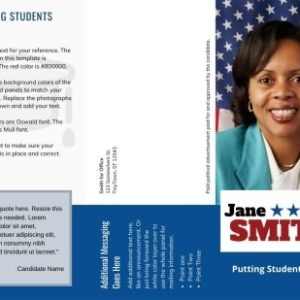
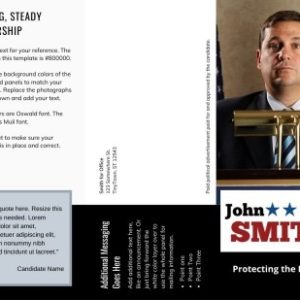
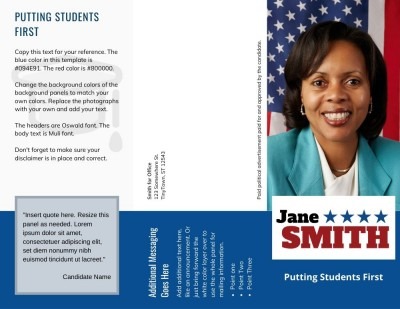
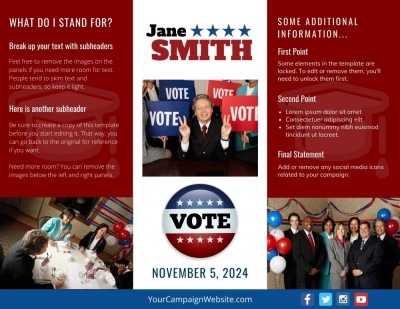
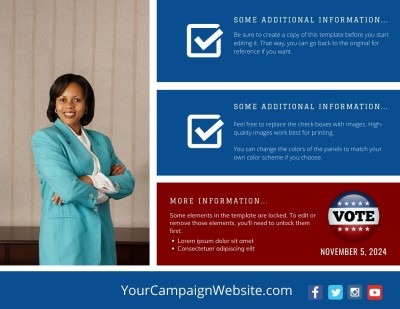
- School Board Brochure Template
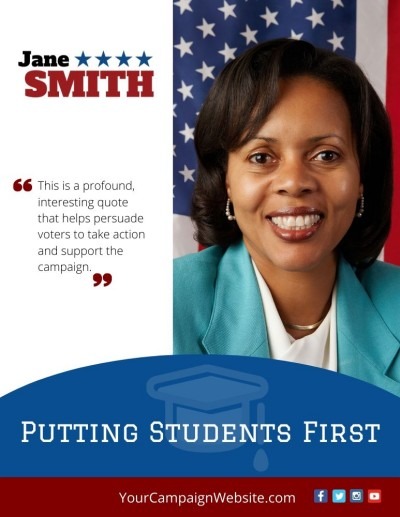
- School Board Flyer Template – Vertical
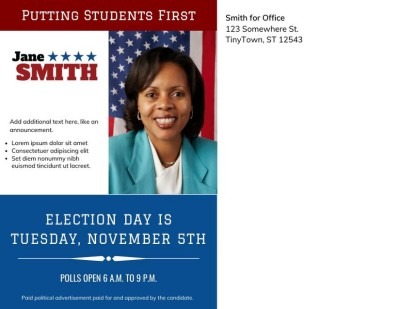
- School Board Flyer Template – Landscape
- School Board Postcard Template
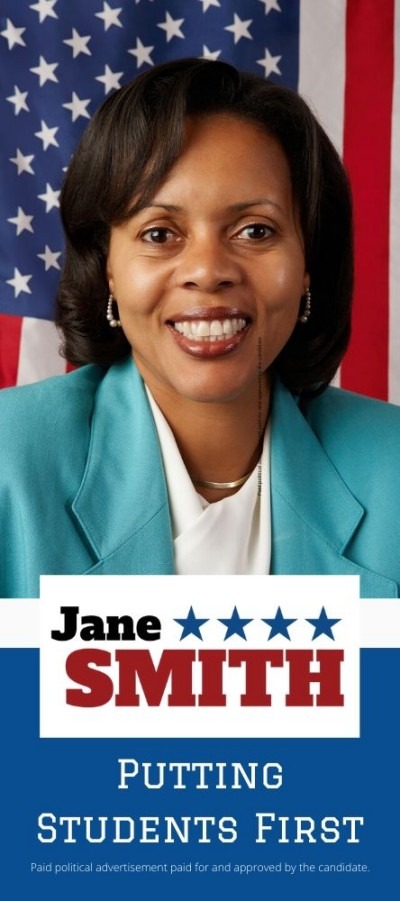
- School Board Rack Card
- Invitation Template
- Card Template
- Business Card
- Letterhead
Perfect for candidates aiming to make a positive impact on their local education system, this School Board Print Template Bundle provides everything you need to communicate effectively with voters and stakeholders, helping you share your vision for the future of education with clarity and confidence.
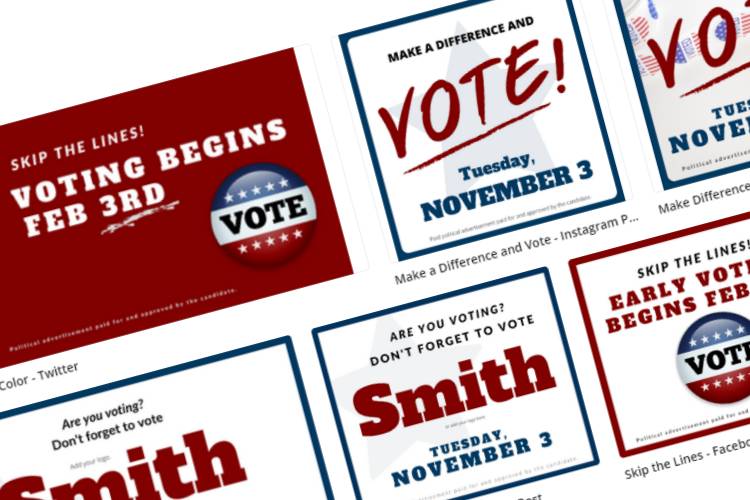
Also includes the following Social Media templates:
Skip the Lines – Facebook Post
Skip the Lines – Twitter
Skip the Lines – Instagram Post
Skip the Lines Solid Color – Facebook Post
Skip the Lines Solid Color – Twitter
Skip the Lines Solid Color – Instagram Post
Make Difference and Vote – Facebook Post
Make Difference and Vote – Twitter
Make a Difference – Instagram Post
Are You Voting – Facebook Post
Are You Voting? – Twitter
Are You Voting – Instagram Post
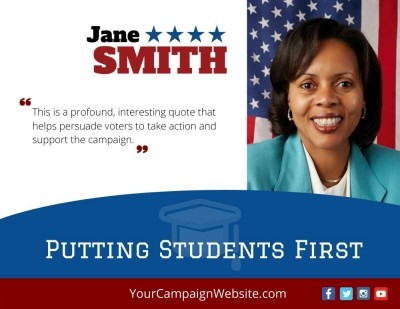
Quote – Facebook
Quote – Twitter
Quote – Instagram Story
Designed for school board campaigns and organizations, each brochure template is fully editable to save you time and effort in creating a professional-looking print piece. You can easily change colors, fonts and drop in your own copy and images – even if you have no graphic design experience.
Instructions are immediately downloadable so you can add the templates to your Canva account (required, see below), plug your content and easily customize your designs.
To customize these templates:
- You must have a Canva account. It is FREE.
- Adobe Reader (click here to download, it’s free) to open the PDF document that includes the link to your Canva template.
- Once you receive the PDF document, open it, and click the link to open your template in Canva.
- You can edit any or all elements, colors and add your logo to customize to your needs.
- Photos included in the template are meant to be swapped out with your own.
- Templates are meant to be edited on a desktop or laptop, and NOT through on a mobile device.
Terms and Conditions
- Due to the digital nature of this product, all sales made are FINAL. There are no refunds or exchange of items once a purchase is complete.
- Please note that you are purchasing the template only. The fonts and elements used are properties of Canva. You may change images or fonts with your own or free images or fonts available with the free Canva account. You can also purchase the premium Canva images/fonts/elements.
- All products are sold to individuals. The license to the template is given to the buyer only. See license details below.
License
- Each purchase grants ONE license to you – the buyer – only. Under this license, you may use this template to create end-products ONLY.
- You may NOT redistribute or resell this product or modified version of this product in its editable template format.
- Under this license, you may create an unlimited number of end products using this template, for your personal use or the use of a SINGLE organization.
- You cannot use these templates to make your own Canva templates for sale or for multiple client work without purchasing a Commercial License.